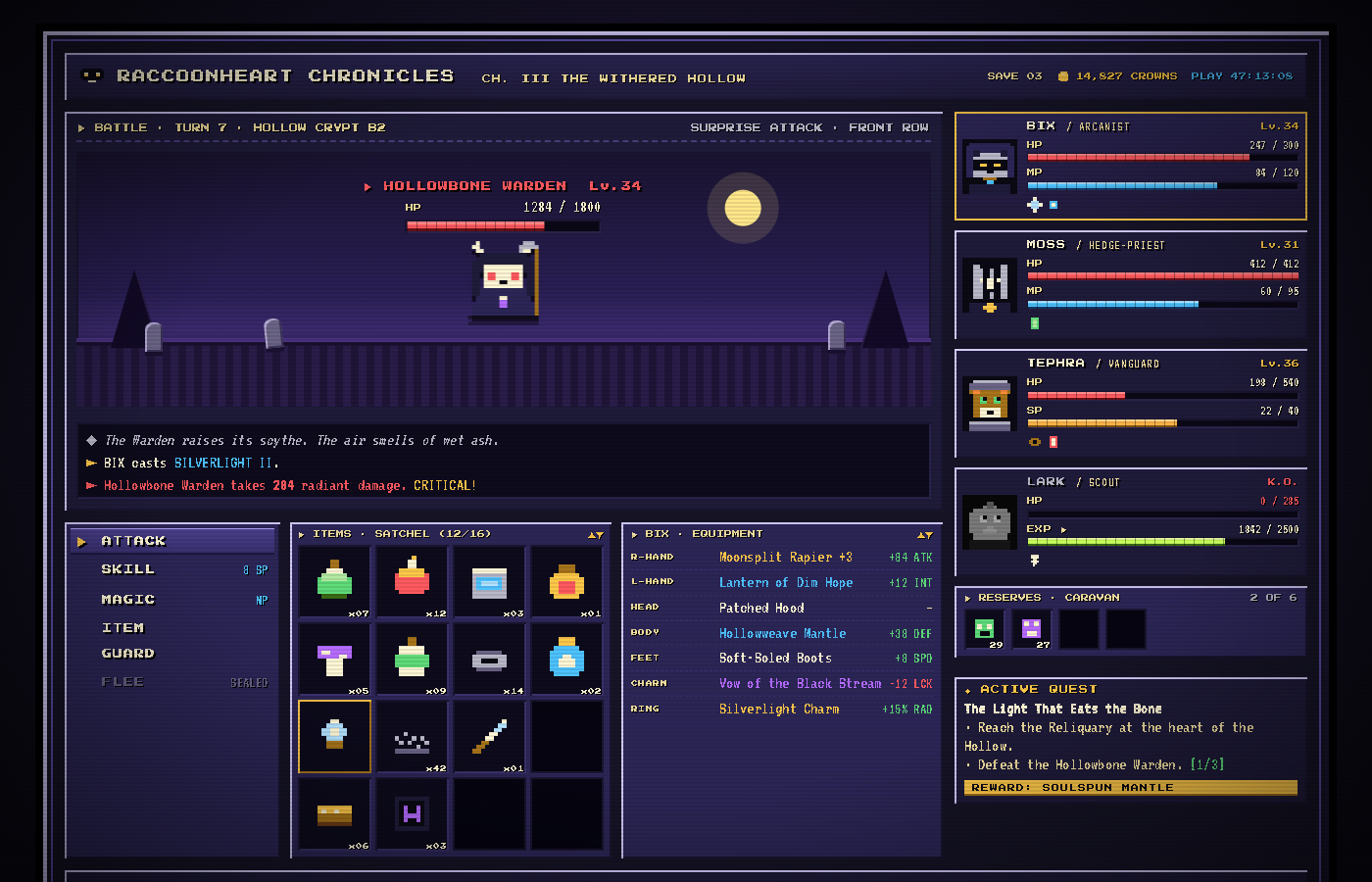
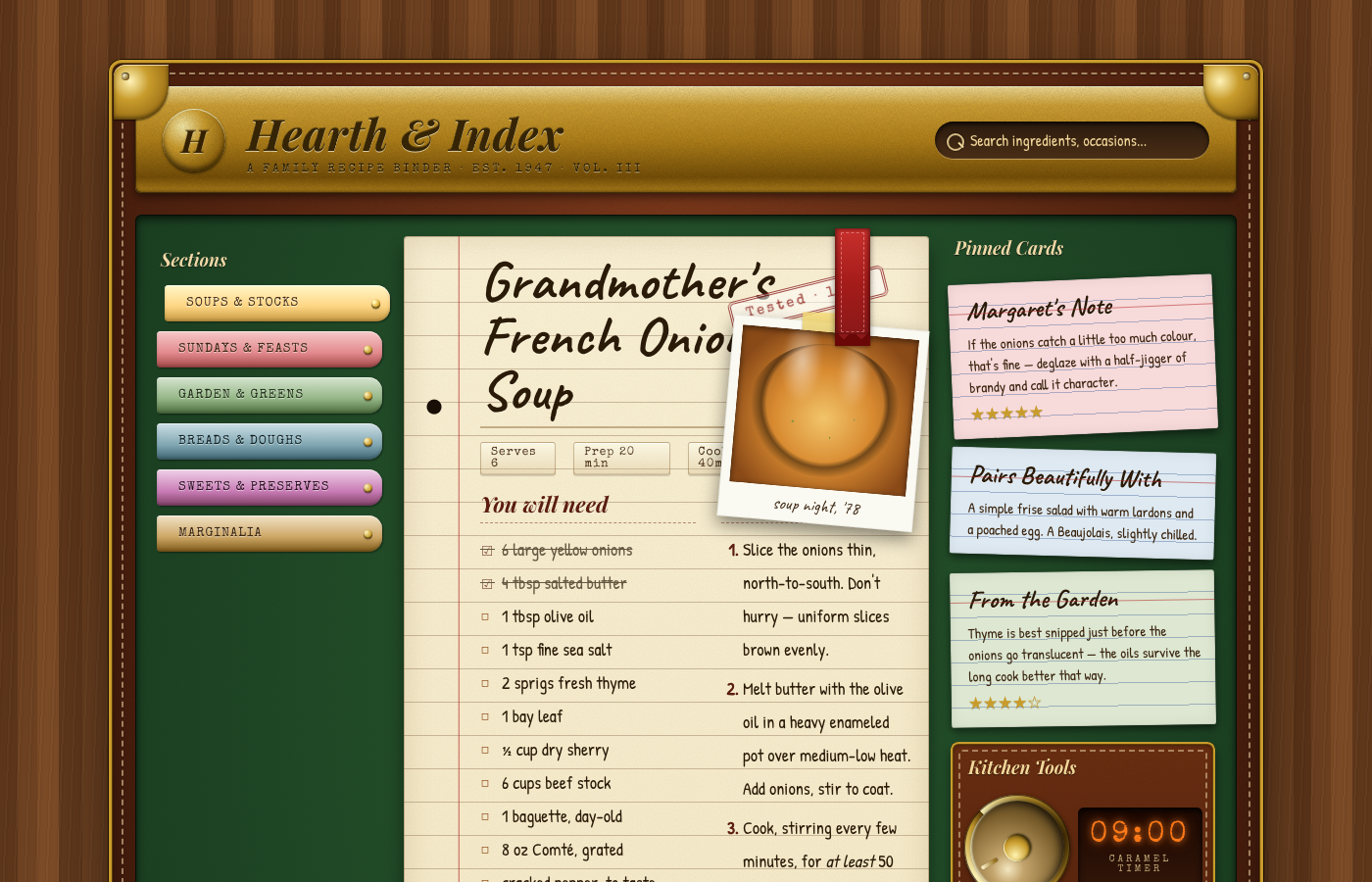
01
Editorial & print · Family I
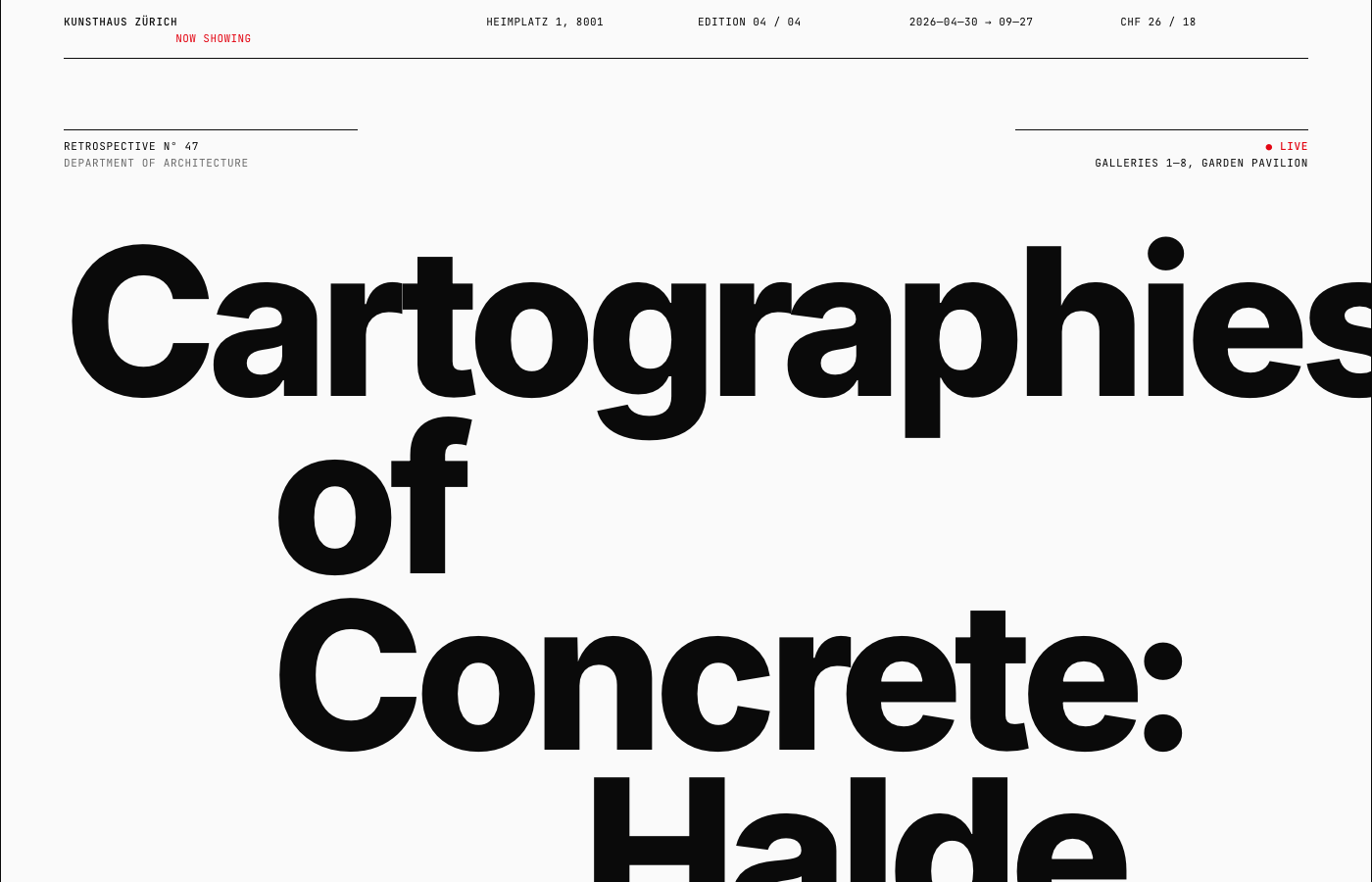
Swiss / Internationalist
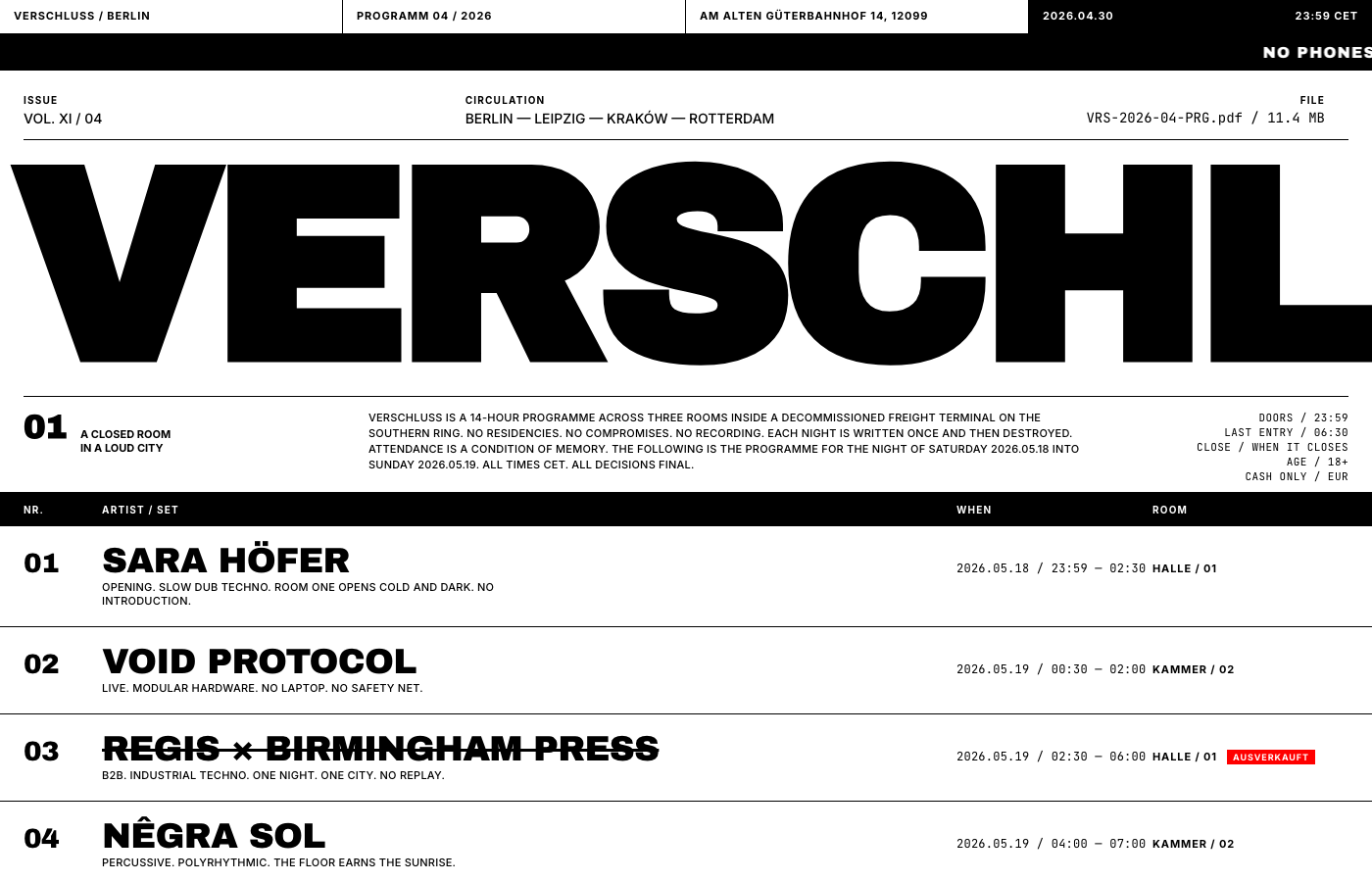
Strict modular grid, asymmetric composition, restrained palette of mostly black on white with one accent (often Swiss red), and confident type sizes that jump from 11px to 200px. Type is the imagery. The visual language of museums, transit systems, classical music, and architectural firms.
References
- Josef Müller-Brockmann
- Massimo Vignelli
- Wim Crouwel
- Lars Müller Publishers
- Pentagram
- Mubi
- Apple late-90s/early-2000s print
- Bureau Mirko Borsche
Visual moves
- 12-column grid; content asymmetrically placed; sensed but rarely shown
- Type scale with deliberate jumps — 11px → 16px → 24px → 80px → 200px+
- One typeface family carries everything (Helvetica Neue, Inter, Söhne, Akzidenz-Grotesk)
- Hairline rules (1px or 0.5px), never decorative
- Tight numerical metadata: numbered sections "01", ISO dates, "FIG. 01" captions
- Accent color used surgically — Swiss red (#e30613), olive, cyan, or single yellow
- Real typographic hierarchy — H1 / H2 / body / pull-quote / footnote / caption
- No drop shadows. No gradients. No rounded corners.
What to avoid
- Centered hero with CTA button (that's 2018 SaaS, not Swiss)
- Multiple accent colors
- Decorative imagery — Swiss design uses photography editorially, not as filler
- Off-blacks on off-whites without intent
Subject suggestions
- A monograph for a fictional architect or designer
- A retrospective exhibition catalog
- A typographic specimen for a fictional typeface
- An issue of a design journal
- A symphony season program
- A transit map and timetable for a fictional system
Full prompt— ~430 words, paste into Claude or use as a sub-agent task
Build a single self-contained HTML file showcasing the Swiss / International Typographic Style at production quality. The whole point is rigor and restraint.

The aesthetic. References: Josef Müller-Brockmann, Massimo Vignelli, Wim Crouwel, Jan Tschichold's later work, Lars Müller Publishers, Pentagram, Mubi, Apple's late-90s/early-2000s print, Bureau Mirko Borsche, the original NYC subway signage system (Vignelli).

Visual moves:
- Strict modular grid. 12 columns, gutters consistent, baseline grid implied. Show the grid through alignment — a reader should sense it without seeing rules.
- Asymmetric layouts. Content sits on the grid but isn't centered. Big margins of white space, content pushed to one side, generous breathing room.
- Restricted palette. Almost everything is black on white (or off-white #fafafa). One accent color, used sparingly: classic Swiss red (#e30613) or a single chosen hue. No gradients. No shadows. Ever.
- Typography is the entire design. Use Helvetica Neue, Inter, Söhne, Neue Haas Grotesk, or Aktiv Grotesk. Optionally pair with a single accent typeface (a classical serif or a mono for metadata). Type is the imagery.
- Type scale with deliberate jumps — e.g. 12px / 16px / 24px / 80px / 200px. Use the very large sizes — Swiss design loves a 200px+ headline that breaks across lines.
- Tight numerical metadata. Numbered sections (01, 02, 03), dates in ISO format, page-of-N markers, captions tagged "FIG. 01."
- Text-as-image. A headline can fill an entire viewport. Words break across columns intentionally.
- Hairline rules (1px, sometimes 0.5px) — subtle dividers, never decorative.
- Flush-left text, never centered (except occasional display moments).

What to avoid. "Modern minimal startup" look (Inter on white with light grey body text is not automatically Swiss — you need real grid discipline and confident type sizing). Generic large hero with centered tagline and CTA button. Any drop shadow, any gradient, any rounded corners. Decorative imagery. Lorem ipsum.

Subject matter. Pick something that earns the rigor: a monograph for a fictional architect, a retrospective exhibition program, a typographic specimen, an issue of a design journal, a symphony season program, a transit map and timetable. Invent a real-feeling institution, real-feeling content, real names, real dates.

Required structure. A confident opening "cover" — could be a single massive headline. A table of contents using numbered sections, dates, and disciplined alignment. A long-form text section demonstrating real typographic hierarchy — H1, H2, body, caption, pull quote, footnote. A section that uses the grid expressively (list, schedule, comparison table) where alignment carries the composition. A colophon / footer with publication metadata in tiny disciplined type.

Constraints. Single .html file, inline <style>, vanilla JS only if essential. Google Fonts ok (Inter, Space Grotesk, Archivo as Helvetica substitutes; pair with Newsreader or Tinos for serif accents). No external images — for "photo" placeholders use a flat colored block with a "FIG. 01" caption.